Light rain
A gentle, quiet shower
 Amaoto LED
RAIN AMBIENCE FOR IPHONE & IPAD
Amaoto LED lets you unwind with rain footage and natural sounds. Choose a scene for your mood and watch the rain fill your screen.
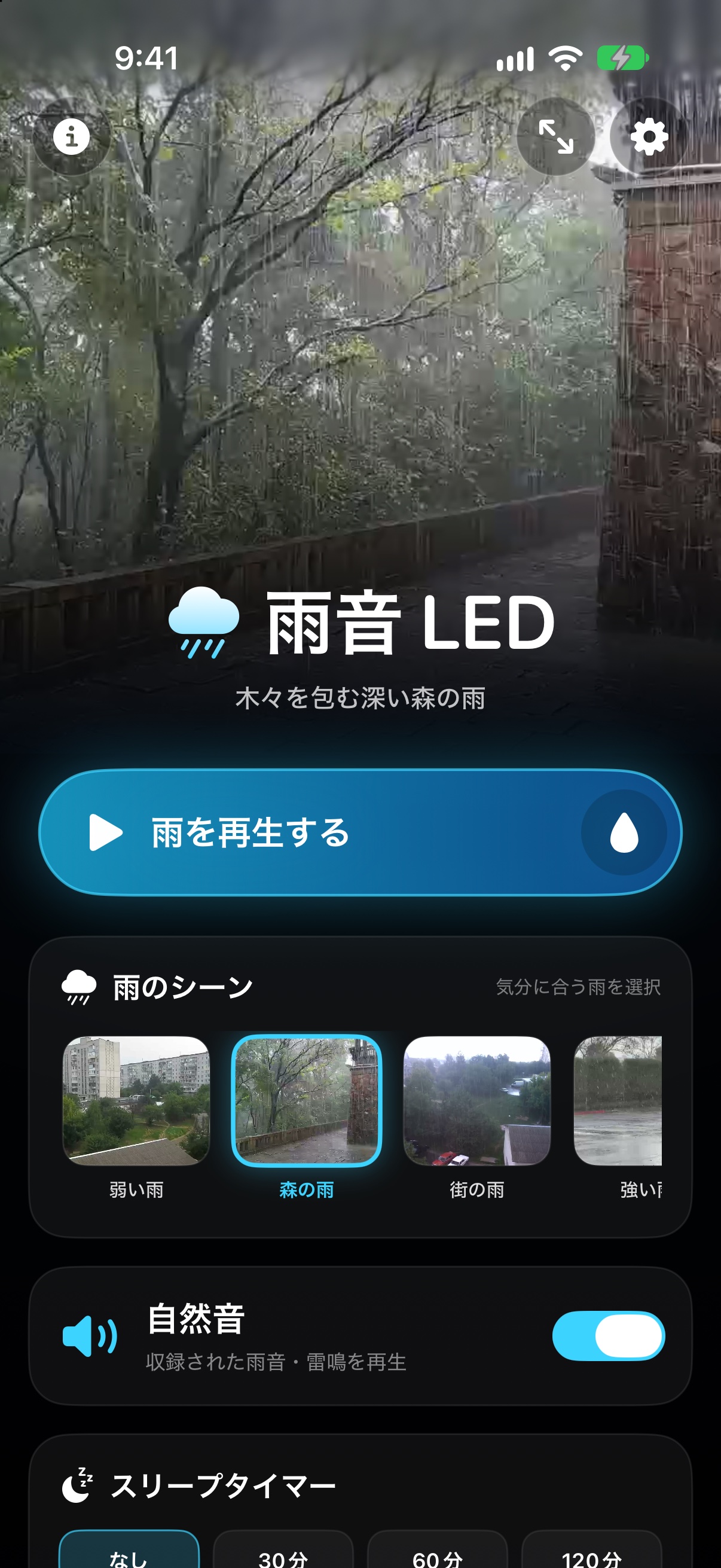
FIND YOUR RAIN
Choose from five scenes, from a gentle shower to a thunderstorm, to match the moment.
A gentle, quiet shower
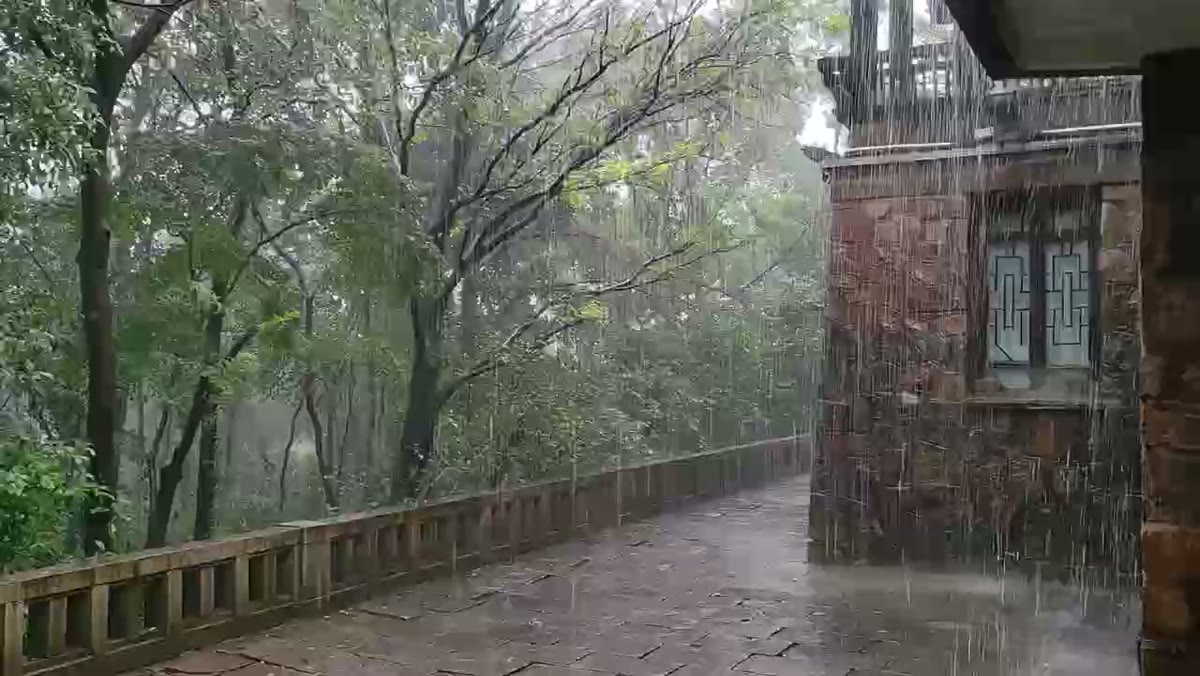
A deep forest rain among the trees
Rain falling over the city, heard from indoors
A powerful, enveloping rainfall
Lightning and rolling thunder
A QUIET MOMENT, YOUR WAY
Play a rain scene, toggle natural sounds, and set a sleep timer. The footage is included in the app and works even when you are offline.
HOW TO USE · APP SCREEN GUIDE
Using real app screens, this 37-second video explains scene selection, natural sounds, the sleep timer, full-screen viewing, offline playback, and which devices support LED sync. Japanese narration is available with English captions.
MAKE THE RAIN FILL YOUR SCREEN
Tap Full Screen in the top-right corner of the app to expand the footage. While in full screen, tap the display to show or hide controls. Tap × in the top-left corner to return.
GOOD TO KNOW
Yes. You can enjoy the rain footage and sounds on iPad. Rear LED sync and haptics are available on supported iPhones.
The footage and sounds are included in the app, so playback works offline.
Tap the display to show or hide controls. Tap × in the top-left corner to return to the regular view.
iOS 17 and iPadOS 17 or later.
MORE FROM KSTFAMILYAPPS
KSTfamilyApps, the maker of Amaoto LED, also creates apps for everyday life and work.
KSTfamilyApps
APPS FOR EVERYDAY LIFE
Explore apps for family, schedules, and work.
Visit KSTfamilyAppsForest rain footage by Lt2818 / CC0 1.0 (Wikimedia Commons)
LED and haptics depend on your device and are available on supported iPhones.